
Absolute Binding Free Energy (ABFE)
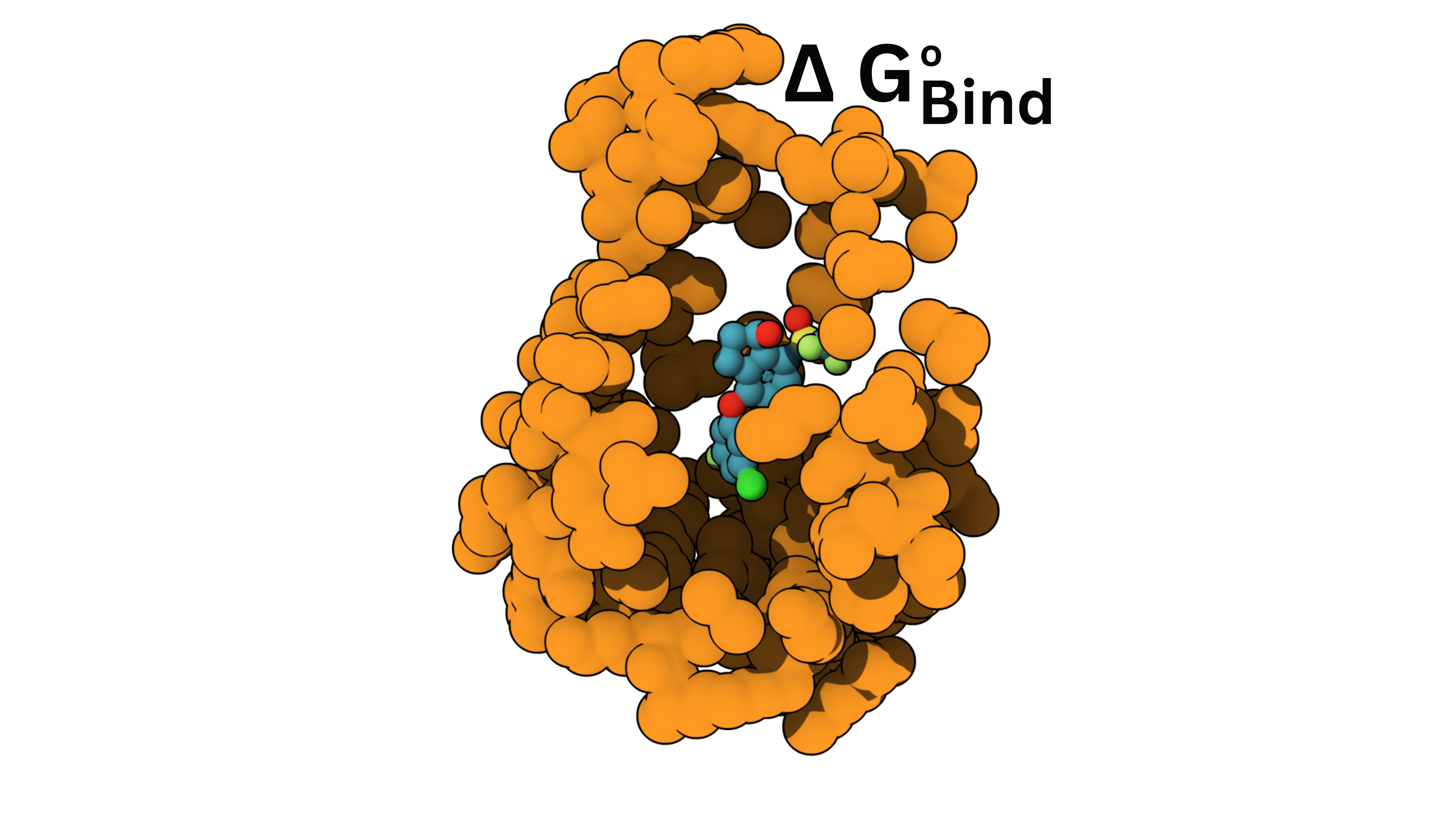
Absolute Binding Free Energy (ABFE) calculates how strongly one ligand binds to a protein in water, reported as a binding free energy, ΔG_bind, in kcal/mol.
A more negative ΔG_bind means tighter binding. Because the value is absolute, not measured relative to another molecule, you can compare binders with completely different chemical scaffolds.
Under the hood it runs an alchemical free energy simulation: the ligand is gradually switched off from its surroundings both in plain water and inside the protein pocket, and the difference between those two gives the binding free energy.
When to use it
Section titled “When to use it”Use it when you want the binding strength of a single ligand to a target, on an absolute scale, or when you want to compare structurally diverse molecules where Relative Binding Free Energy (RBFE), which needs closely related pairs, does not fit.
Inputs
Section titled “Inputs”| Input | Required | What it is |
|---|---|---|
pdb_file | yes | PDB file of the protein. Upload one, or fetch from RCSB by ID. It may already contain the ligand. |
ligand_smiles | yes | SMILES string of the ligand. |
ligand_file | no | A ligand structure file in SDF, PDB, or CIF format, if you have one. |
ligand_in_pdb_file | no, default false | Set to true if the ligand is already inside the protein PDB (a cocrystal structure). |
ligand_chain_id | no | Chain ID of the ligand in the PDB. Only needed when pulling the ligand out of a cocrystal PDB. Detected automatically if left blank. |
ligand_residue_name | no | Residue name of the ligand in the PDB. Detected automatically if left blank. |
assign_protonation_states | no, default true | Protonates the ligand automatically at the given pH. Turn off if your input is already protonated. |
ph | no, default 7.0 | pH used to decide protonation. |
solvent_equil_length, solvent_prod_length | no, default 0.02, 0.1 ns | Equilibration and production length per replica, in plain solvent. |
complex_equil_length, complex_prod_length | no, default 0.02, 0.1 ns | Equilibration and production length per replica, for the ligand and protein complex. |
protocol_repeats | no, default 3 | Number of independent repeats. More repeats give a better error estimate. |
platform | no, default CUDA | Compute platform, one of CUDA, OpenCL, CPU, or Reference. |
keep_dirs | no, default true | Preserves the full simulation outputs so you can download them. Turn off only if you do not need the raw data. |
Longer simulation lengths and more repeats give more reliable numbers, but cost more runtime and credits.
How to run it
Section titled “How to run it”Submit your own protein and ligand from Azulene Studio, the Python SDK, or the CLI. New here? The Get started page walks through installing, logging in, and running a ready made example first.
In Azulene Studio
Section titled “In Azulene Studio”Open Absolute Binding Free Energy (ABFE) from the tools list, then on the Inputs and Parameters step upload your protein PDB (or fetch it from RCSB by ID), enter the ligand SMILES (or upload a ligand file), adjust the pH and simulation lengths if you want, then Review and Submit.
From the Python SDK
Section titled “From the Python SDK”from azulene import jobs
result = jobs.submit( job_type="absolute_binding", input_data={ "pdb_file": "/path/to/your/protein.pdb", "ligand_file": "/path/to/your/bound-ligand.sdf", "ligand_smiles": "CC(=O)Oc1ccccc1C(=O)O", "ph": 7.0, },)From the CLI
Section titled “From the CLI”Pass the inputs as a JSON string. The ligand SDF should contain the bound pose in the protein’s coordinate frame, and the SMILES must describe that ligand. The CLI and SDK upload local files automatically.
azulene jobs submit --job-type absolute_binding \ --input-data '{"pdb_file": "/path/to/your/protein.pdb", "ligand_file": "/path/to/your/bound-ligand.sdf", "ligand_smiles": "CC(=O)Oc1ccccc1C(=O)O", "ph": 7.0}'Reading the result
Section titled “Reading the result”The main output is dg_binding, the binding free energy ΔG_bind, in kcal/mol.
A more negative number means a stronger predicted binder. Rank a set of ligands by their dg_binding to find the tightest binders. If you keep the full simulation outputs, the raw per replica data is available to download as well.
Keep the simulation lengths short for a quick first run. For reliable results, use longer production lengths and at least 3 repeats. ABFE runs on a GPU, and runtime grows with the simulation lengths and the number of repeats.